
In this guide
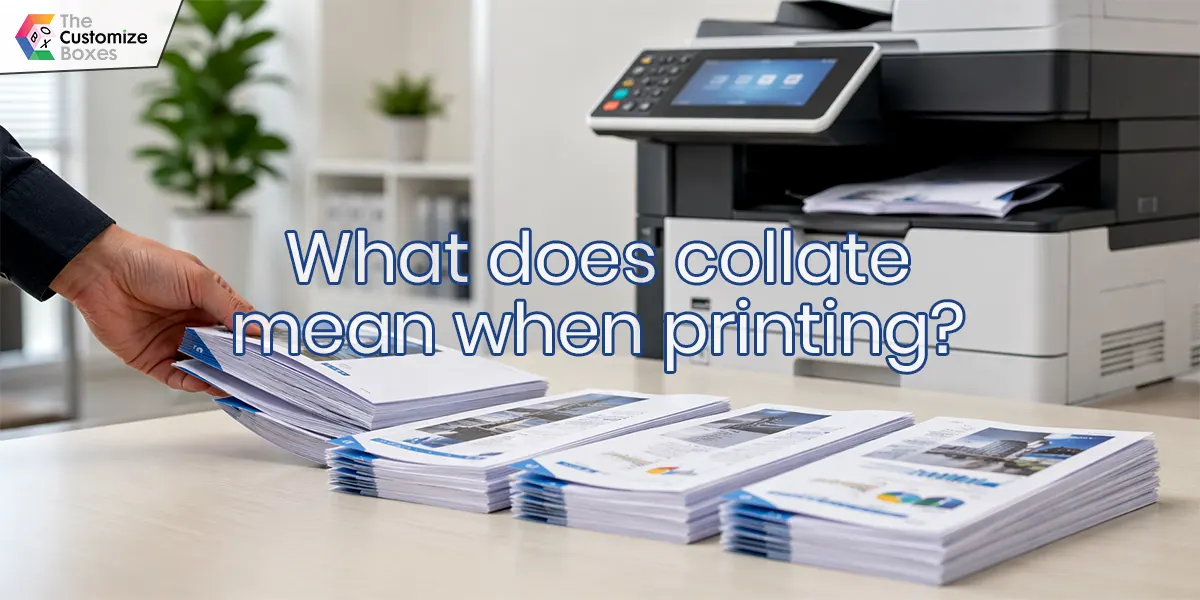
Collate meaning in printing is important to learn to get the benefit from this printing technique for your multipage document printing. In this technique, you organize, create an order, and are ready to use printing for your documents for your personal use, business purposes, or institutions.
Read this blog to learn the true meaning and use case of collate while printing your multi-page documents.
Understanding Collate Meaning in Printing
Collate printing is a great technique for multi-page document printing by maintaining the sequence during printing, so that you can gain many benefits for your brand. Collated printing provides your documents to print your documents from page 1,2,3…, and so on. This technique continues to print to the next set of your document just after completing the first set, and so on.
Why Choose Collated Printing?
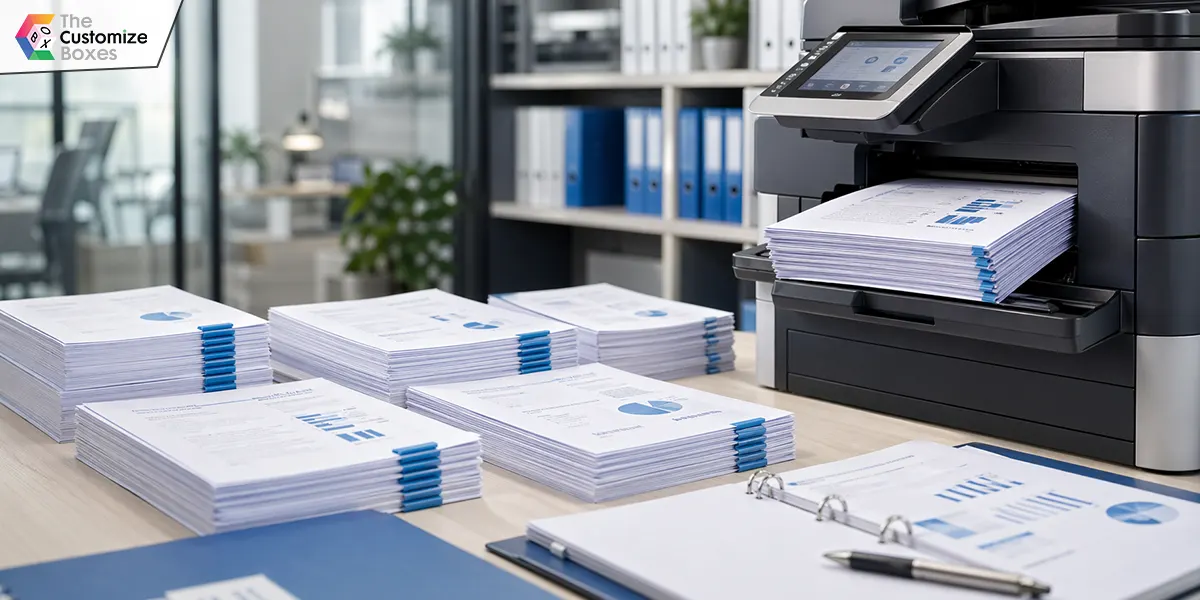
Collated printing is a significant choice to boost your printing performance for your business documents, directories, and educational institutional documents. With the use of this technique, you can get several benefits for your brand, which include the following:
-
Convenience in Organizing Documents
Organizing the scattered documents in an arranged, organized, and sequential form, you have to undertake huge, laborious work when you are doing all this manually. With the use of the collate printing technique with your printed setting, you can conveniently perform the same task without hassle.
-
Enhancing Efficiency for Your Printed Papers
Arrange your multi-page documents with the advanced, modern, and automatic technique of collated printing. Collate while printing meaning of which means saving your resources, energy, and time that you can put on some other important tasks.
-
Errorless Order of the Pages of Your Documents
Not only can you save time, energy, and resources, but you can also organize your documents without errors, risk, and unorganized documents for your business. Create amazingly orderly, organized, and sequentially printed papers with the error-free sets for your documents.
-
Minimizing the Risk of Errors and Getting Mixed Up
Minimize the risk of errors without the need of double checking for your printed documents with the collate printing options. You need not appoint any extra staff to avoid getting mixed up with your documents from multiple pages of your documents.
Difference Between Collate Vs Uncollated
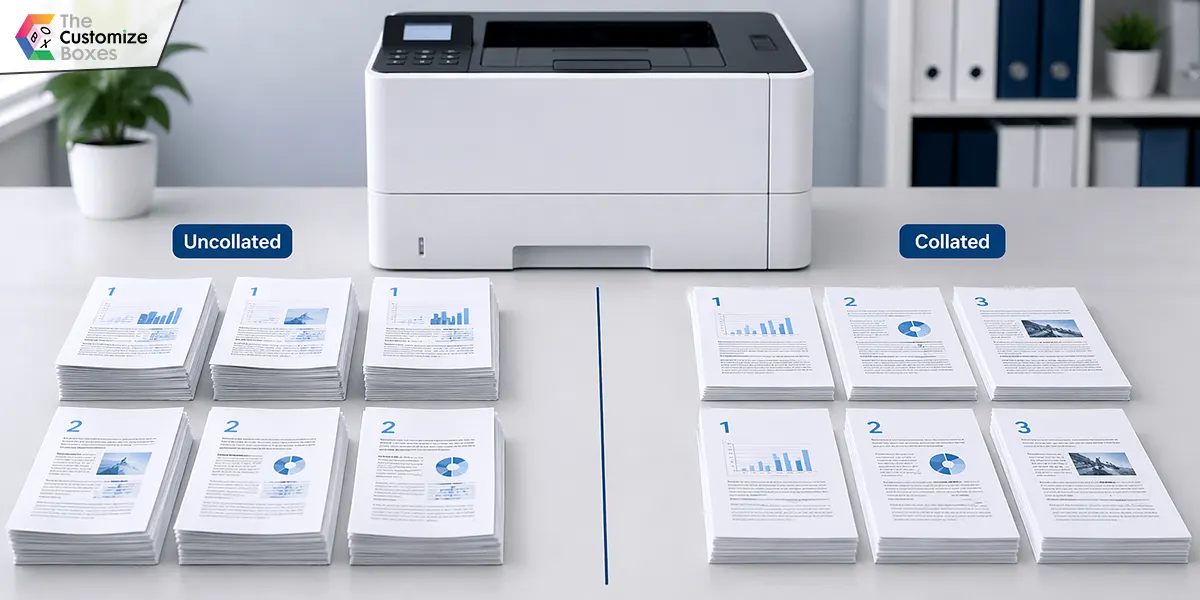
Uncollated documents can be printed without creating a complete set, like printing page 1,1,1,... and so on till the complete printing of page 1 before moving to page 2. While collate printing provides a great opportunity by printing a complete set from page 1 to the last of the documents before starting a second set with the same page 1 as a starting point.
Collate when printing means providing you a great opportunity to save your time, resources, and energy a lot as compared to organizing the same task manually.
Automatic vs Manual Collating for Your Documents
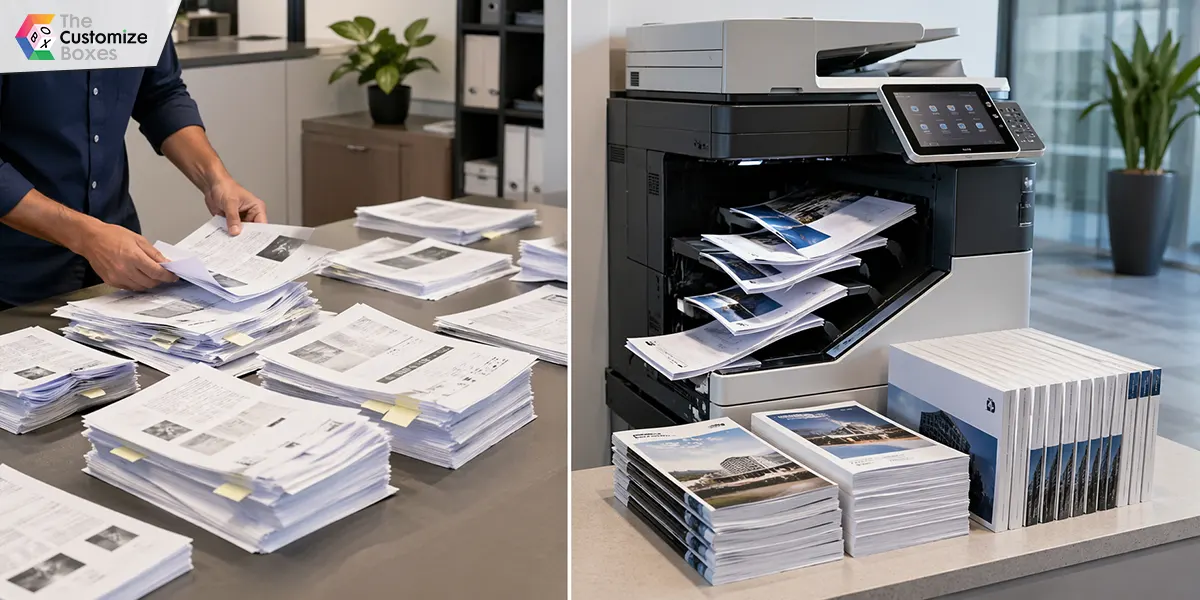
Manual collating is a laborious task with the risk of errors and the use of more resources and energy. While automatic collating provides you with a great opportunity to get amazing results in accuracy, saving your time, resources, and energy.
At the same time, collated printing can help you save your time and can perform further value-added tasks by packing your whole documents in books, booklets, or directories, or more, in a compact, relevant, and ideal packaging for your documents.
Why Collate Your Documents Manually?
Managing complex, small, and custom printing projects for the multi-page printed documents of your business or personal, as the case may be. Complex documents with graphs, tables, or other large graphics might need personal attention and can be best organized through manual collating of your printed documents.
Manual organization of your multi-page documents can help you smartly organize your complex projects with more accuracy and risk-free order for your document collation.
How to Enable and Disable Collating?
The enable or disable collate printing setting is available in your print dialogue box. You can choose while you are choosing printing options, you can choose to enable collate printing to enable collate printing, or disable collate printing for stack printing of your document. It means either you are producing printing with sets of sequence from 1,2,3,…, and so on, or you are creating a stack with 1,1,1,…, and so on.
Concluding Remarks
After reading this complete guide to collate printing, you can now choose and implement which collated or uncollated options to choose for your multi-page document printing task. By choosing collate printing, you can easily, conveniently, and smartly organize your printed pages without manual interaction, instead of printing each page in a stack.
Frequently asked questions
What is the meaning of collate in printing?
Meaning of collate in printing is organizing printed documents in sequence, like page 1,2,3… onwards for the first set. And then printing the second set in the same sequence from page 1 to the last page of the document.
Who do I collate when printing?
You need to collate your document when you need to disburse the multi-page document in an organized, sequential form, and you need to get it ready to use. Collating provides you with time and resources efficiently.
What does collate 3 copies mean?
Collate printing meaning for the 3 copies is that you are printing 3 sets of copies of your documents by maintaining the sequence. This collated printing provides you with an opportunity to print a copy of the whole document before moving to the next set of document printing, like printing page 1 to the last of one set and then moving to the next set starting from page 1.
Where can I customize packaging for collated publications with a logo?
Several online platforms are available that can provide you with custom packaging for your publications printed in collated form. Among these platforms, The Customize Boxes is one of the leading custom packaging solution providers in the USA. Order your publication packaging with the logo of your brand.